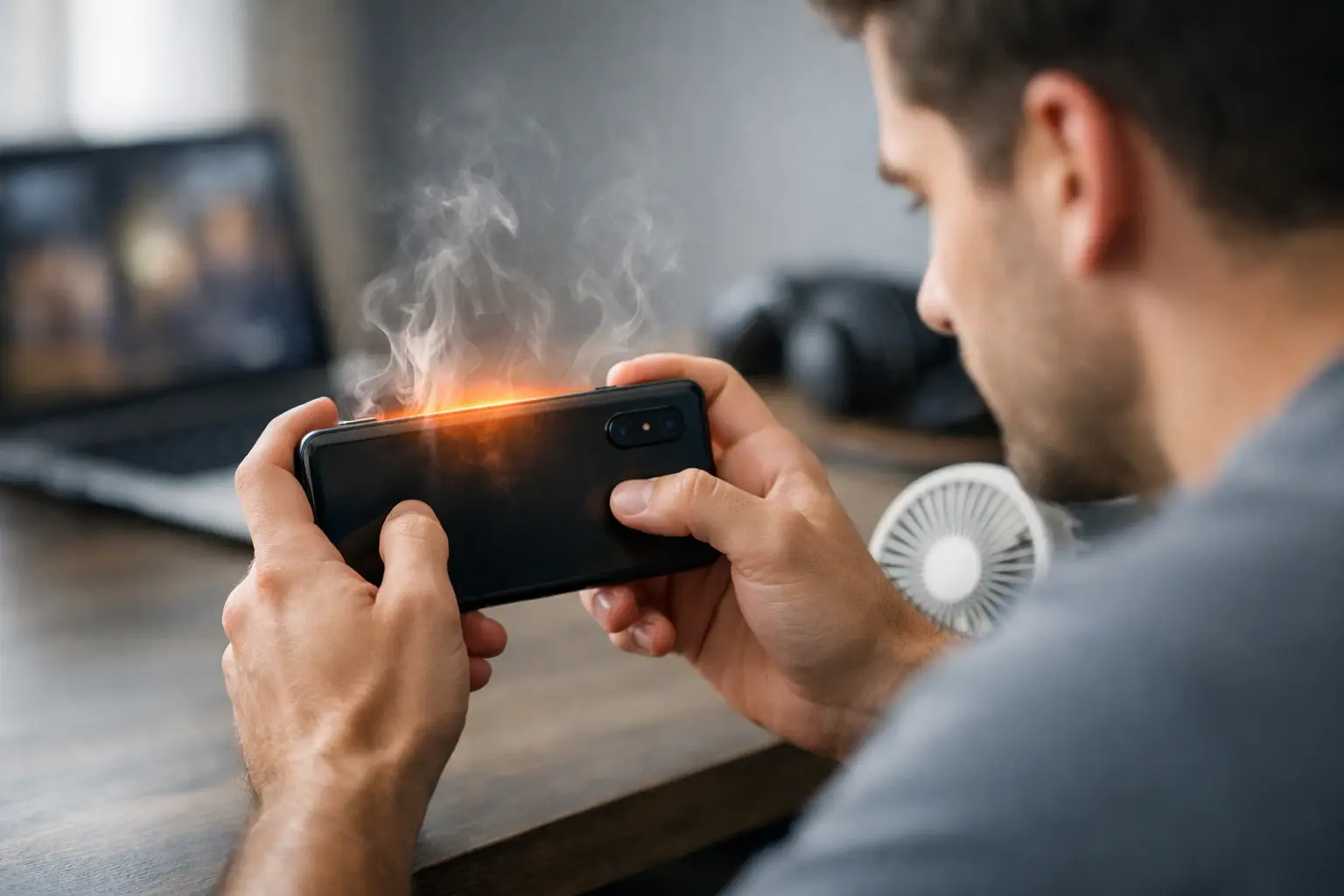
How to Reduce Overheating During Mobile Gaming
6 July 2026A phone that gets hot 15 minutes into a match is not just annoying – it is actively hurting your performance. If you want to reduce overheating during mobile gaming, you need more than random tips from comment sections. Heat affects frame stability, touch response, battery drain, charging speed, and long-session comfort, so the fix has to be practical and repeatable.
For competitive players, overheating usually shows up before a full thermal warning. The first signs are small but costly: stutter during fights, delayed swipes, lower brightness, and sudden frame drops when the action gets heavy. That happens because your phone is protecting itself. Once internal temperatures rise, the system starts throttling CPU and GPU power to keep hardware safe.
Why phones overheat during gaming
Mobile games push several components at the same time. The processor handles physics, enemy logic, and background tasks. The GPU renders effects, lighting, and higher frame rates. The screen stays bright, audio runs continuously, network radios stay active, and the battery delivers sustained power the entire session. In fast-paced games, that workload stays high without many breaks.
The problem gets worse when your settings are out of balance with your hardware. Running max graphics and high FPS on a mid-range phone may look good for a few minutes, but the device often pays for it with heat buildup and aggressive throttling. The same thing happens when too many background apps are competing for memory, sync activity, and processor time.
Ambient conditions matter too. A phone in a warm room, under direct sun, or inside a thick case starts at a disadvantage. Even a well-optimized device will heat up faster if it cannot release heat efficiently.
Reduce overheating during mobile gaming with smarter settings
The fastest improvement usually comes from your in-game settings. You do not always need to drop everything to low. You need to lower the settings that create the most heat for the least gameplay benefit.
Start with frame rate and graphics quality. If your device struggles to hold a high FPS mode consistently, switching to a stable medium setting is often better than forcing extreme visuals. A locked, steady frame rate usually feels better than a higher target that collapses in combat. Shadows, anti-aliasing, reflections, and render scale also tend to generate extra heat without giving you a serious competitive edge on a small screen.
Brightness is another easy win. High screen brightness adds heat and battery drain fast, especially in long sessions. Lowering it slightly can reduce thermal load without affecting visibility too much. If your game includes extra visual effects like motion blur or bloom, disabling them can also lighten the GPU workload.
Pick stability over peak settings
A lot of players chase the highest possible settings because the menu allows it. That does not mean your phone can sustain it. The better target is sustained performance. If medium graphics at 60 FPS keeps your device cooler than high graphics with unstable spikes, medium is the stronger setup.
This is where lightweight optimization tools can help. On Android, a focused game booster or graphics adjustment app can make it easier to shut down distractions, free memory, and tune performance before launch. The goal is simple: give the game more clean system resources and fewer reasons to overheat.
Background activity is a hidden heat source
Gaming heat is not always caused by the game alone. Background syncing, auto-updates, social apps, recording tools, floating widgets, and location-heavy services all add pressure to the CPU, RAM, and battery. That extra load turns into extra heat.
Before starting a long session, close unnecessary apps and pause anything that constantly refreshes in the background. Downloads, cloud backups, and streaming music can all push temperatures higher. Notifications are less of a performance issue than active background processes, but reducing both helps create a cleaner gaming environment.
If your phone has a built-in game mode, use it. These modes often block alerts, prioritize system resources, and reduce background interference. They will not perform miracles on weak hardware, but they can remove enough clutter to keep temperatures more manageable.
Charging while playing usually makes heat worse
If you want to reduce overheating during mobile gaming, one of the biggest fixes is simple: do not charge while you play unless you have no other option. Gaming already creates sustained heat. Charging adds another source at the same time, especially with fast charging enabled.
That combined load raises battery temperature quickly, and battery heat is one of the hardest types for the phone to hide. You may notice the device becoming warmer around the back panel or near the charging area, followed by reduced performance or slower charging as the phone protects itself.
If you must play while plugged in, lower your graphics settings and remove the case. It also helps to avoid fast chargers for gaming sessions. Slower charging may be less convenient, but it often creates less thermal pressure.
Battery health changes the equation
Older batteries heat up faster under load. If your phone is a few years old and gets hot in games that used to run fine, battery wear may be part of the problem. You cannot optimize your way around aging hardware forever. Sometimes the issue is not the game settings – it is reduced battery efficiency and higher internal resistance.
Your environment matters more than you think
Phones do not have the cooling headroom of PCs or consoles. They rely on compact thermal systems and passive heat dissipation, which means the space around the device matters a lot.
A soft blanket, couch cushion, or your hand covering ventilation paths can trap heat. So can a thick protective case. Cases are useful for drops, but some hold warmth close to the chassis during long gaming sessions. If your phone regularly runs hot, removing the case before you play can help heat escape faster.
Room temperature matters too. Gaming in a cooler indoor space is better than playing outdoors in direct sunlight or in a parked car. If the phone starts hot, it reaches throttling faster. This sounds obvious, but many performance problems that look like software issues are really heat-management issues caused by the environment.
Network and game mode choices affect temperature
Online games add radio activity on top of graphics and processor load. Weak Wi-Fi or unstable mobile data forces your phone to work harder to maintain the connection, which can increase heat and battery drain.
When possible, use a strong, stable Wi-Fi connection instead of bouncing between weak signal conditions. If your phone is constantly searching for a better connection, temperatures can climb faster than expected. Airplane mode with Wi-Fi enabled can sometimes help by disabling unnecessary cellular activity during gaming, but only if your setup allows it.
Audio and recording features can also contribute. Screen recording, live voice chat, and overlay tools all add load. If your device is already close to its thermal limit, turning off nonessential extras can make a real difference.
When to clean up software, and when to accept hardware limits
Not every overheating issue means your phone has a serious problem. Sometimes it means your setup needs cleanup. Check for pending system updates and game updates, since performance fixes often arrive there first. Restarting your phone before a long session can also clear temporary clutter and free resources.
If the device overheats across multiple games, even at reasonable settings, then you may be hitting hardware limits. Entry-level and older mid-range phones can run competitive titles, but they often cannot sustain long sessions at elevated graphics and frame rates. That is not a failure of the device. It is just the practical ceiling of its thermal design.
A more realistic approach is to tune your settings around the games you actually play. If you mostly play shooters or battle royale titles, prioritize frame consistency, touch responsiveness, and lower latency over ultra visuals. That trade-off usually leads to cooler temperatures and better results where it counts.
The best anti-overheating strategy is consistency
The players who get the smoothest long sessions usually do the boring stuff right every time. They start with balanced settings, close extra apps, avoid charging during matches, keep the phone out of hot environments, and stop treating maximum graphics like a flex. That approach wins more games than a flashy setup that throttles halfway through a ranked session.
If you want a cleaner Android gaming routine, tools built for performance prep can help remove friction. TOLAN focuses on exactly that kind of utility-first control: fewer distractions, smarter resource use, and a setup that helps your phone stay ready for the next match.
Heat is not just a comfort issue. It is a performance limit. Once you treat it that way, the right fixes become obvious – and your phone starts playing like it has room to breathe.